A light-weight Physically-based Renderer, made with Rust and wgpu



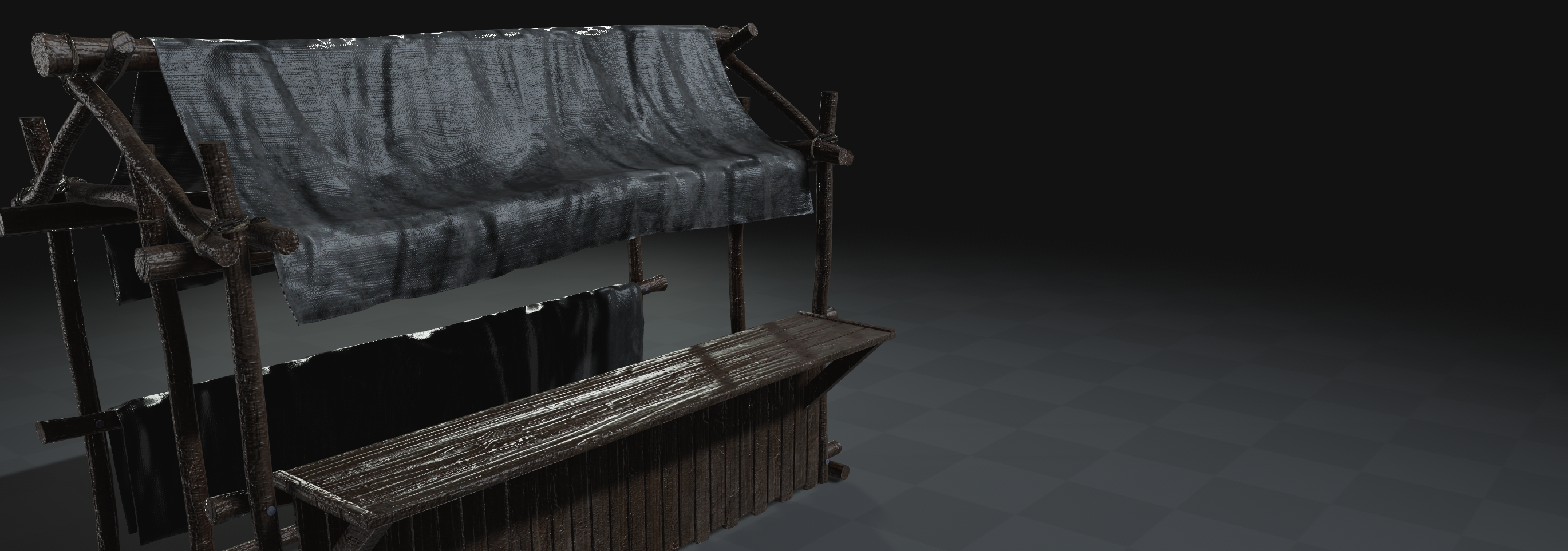
Gloss is a light-weight Physically-based Renderer written in Rust and wgpu. The main functionality includes loading meshes with high-resolution textures, rendering them with advanced graphics features, and allowing a general framework to explore new rendering techniques. Gloss also compiles for Python and Web, allowing for rendering in multiple different environments.
- Gloss Rust API Documentation: Automatically generated docs for Gloss's Rust API
- Gloss Rust Examples: Gloss's runnable examples in Rust, covering basic usage.
- Gloss Python Examples: Gloss's runnable examples for the Python bindings. Covers a wide range of features of the Python bindings.
The easiest way to get started with gloss is to install the Python bindings.
$ pip install gloss-rsBelow is a basic example of a python script which shows a single mesh using the default viewing parameters. More examples for the python bindings can be found in the bindings/gloss_py/examples folder.
import gloss

viewer = gloss.Viewer()

mesh = viewer.get_or_create_entity("mesh")
mesh.insert_builder(gloss.geom.build_from_file("my/mesh.obj"))

viewer.run()The main dependency is installing Rust, as the rest of dependencies are handled by cargo. To install Rust, simply run the following in your terminal:
$ curl --proto '=https' --tlsv1.2 https://sh.rustup.rs -sSf | shSome additional dependencies for Linux:
$ sudo apt-get install libvulkan-dev vulkan-tools xorg-dev libxkbcommon-x11-devFor MacOs, it should run out of the box.
$ cd gloss
$ cargo run --bin gloss_view_mesh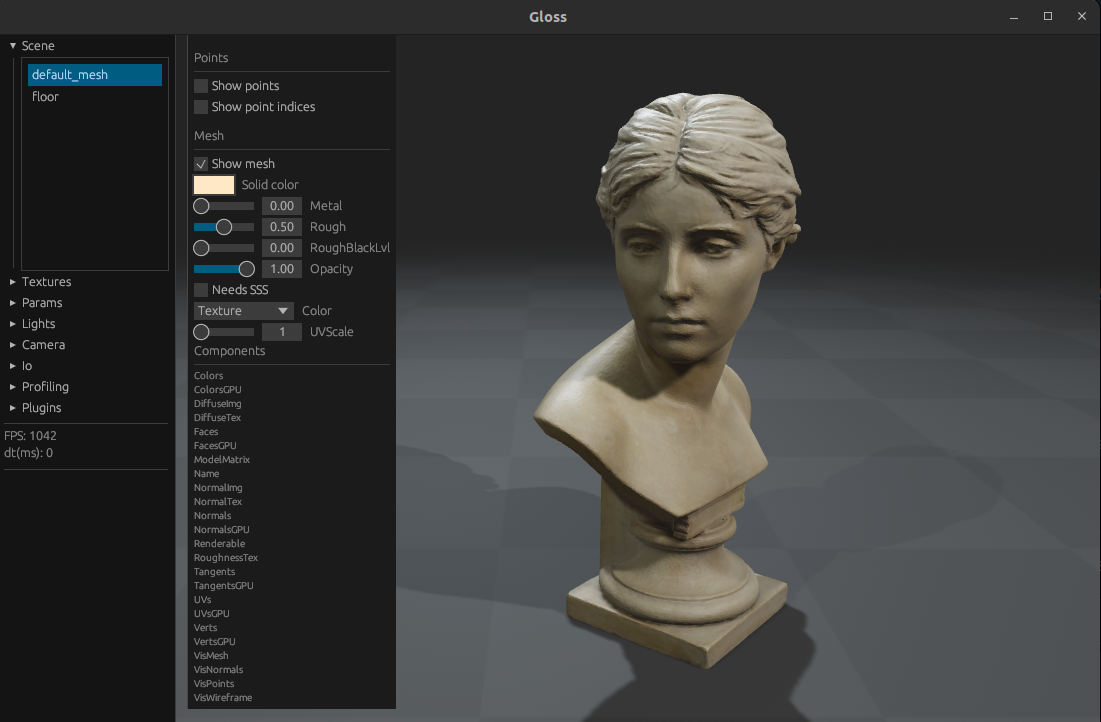
$ cd gloss/bindings/gloss_py
$ pip install gloss-rs
$ ./examples/empty.pyFor Web, we use wasm-pack:
$ curl https://rustwasm.github.io/wasm-pack/installer/init.sh -sSf | shTo build the web example, run:
$ cd gloss/examples/web
$ wasm-pack build --target web
To run the web example, we can create a dummy web server by opening another terminal and running:
$ cd gloss/examples/web
$ python -m http.server
Finally, navigate to http://localhost:8000/gloss_webpage/ in your browser of choice.
PyTorchintegration- Differentiable rendering
- Area lights
- Subsurface scattering
- Order-independent transparency
- Support for Gaussian Splatting
If you have a laptop with both Intel graphics and NVIDIA, go to nvidia-settings and set the GPU to performance mode. Letting it run "on-demand" can cause issues with an external monitor: <https://askubuntu.com/a/1447935>
If there are any exceptions that mention "Maybe there's a driver issue on your machine?", please check that you have GPU vulkan drivers installed (libvulkan-dev vulkan-tools) and running vulkaninfo | grep GPU shows a real GPU and not a software solution like llvmpipe.
If there are still issues with "Maybe there's a driver issue on your machine", you can switch to GL backend with:
$ sudo apt-get install mesa-utils libegl-dev
$ sudo usermod -a -G render $USER
$ sudo usermod -a -G video $USER
RELOG
$ LD_PRELOAD=/usr/lib/x86_64-linux-gnu/libstdc++.so.6 WGPU_BACKEND=gl MY_SCRIPT
Partially, this solution comes from "Solution 1" from <https://stackoverflow.com/a/72427700>, where it seems that conda can cause issues.
Another solution might be: conda install -c conda-forge libstdcxx-ng
WSL2 does not expose native Vulkan drivers for NVIDIA GPUs. Mesa's "Dozen" driver bridges this by translating Vulkan API calls into D3D12. To install Dozen on WSL2 you can do
sudo add-apt-repository ppa:kisak/kisak-mesa
sudo apt update
sudo apt upgrade
More info on the above can be found here - microsoft/WSL#7790
Since Dozen does Vulkan -> D3D12 -> NVIDIA GPU, there is additional overhead so performance is not as good as it would be on native Ubuntu using native Vulkan drivers and also it is not a conformant Vulkan implementation. Since its not a conformant implementation, wgpu hides it by default, falling back to llvmpipe (CPU software rendering).
To enable GPU rendering in WSL2, run with:
$ WGPU_ALLOW_UNDERLYING_NONCOMPLIANT_ADAPTER=1 cargo run --bin gloss_view_meshOr add it to your .bashrc or .zshrc to make it permanent:
export WGPU_ALLOW_UNDERLYING_NONCOMPLIANT_ADAPTER=1